Eero WiFi Gold Coast — Quick Summary
- Amazon Eero 6, Eero 6+ and Eero Max 7 mesh supply and installation
- Amazon account linked and Eero app fully configured on all household devices
- Eero Secure parental controls and content filtering set up correctly
- Alexa integration and Amazon smart home devices connected
- Guest network, band steering and device prioritisation configured
- Serving Surfers Paradise, Robina, Southport, Burleigh Heads and surrounds
- ABN 92 636 893 108
Popular Eero WiFi Products for Gold Coast Homes
These are the Eero models we most commonly supply and install for Gold Coast homes. We cover the full Eero range from Eero 6 through to the flagship Eero Max 7.
Wi-Fi 6 · Dual-band Mesh
Eero 6 (2-pack)
BudgetAn affordable Wi-Fi 6 mesh entry point for smaller Gold Coast homes and apartments. Handles everyday streaming and browsing across two nodes.
Wi-Fi 6 · Tri-band Mesh
Eero 6+ (2-pack)
Mid-rangeTri-band Wi-Fi 6 with a dedicated backhaul channel. The most popular Eero model for mid-size Gold Coast family homes in Robina and Varsity Lakes.
Wi-Fi 6E · Tri-band Mesh
Eero Max 7 (2-pack)
PremiumThe flagship Eero model with Wi-Fi 6E, 10 Gbps wired backhaul and multi-gig ports. For large homes in Coomera, Hope Island and Helensvale.
Wi-Fi 6 · Tri-band Mesh
Eero 6+ (3-pack)
Mid-rangeThree-node Eero 6+ coverage for larger single-level Gold Coast homes with long floor plans or outdoor areas needing WiFi.
Wi-Fi 6E · Wired Backhaul
Eero Max 7 (3-pack)
PremiumThree-node Eero Max 7 deployment for very large homes or properties with a granny flat, pool house or large outdoor entertaining area.
Prices vary by model and installation complexity. Call 07 3041 8993 for a quote.
What We Do — Eero WiFi Gold Coast
From Eero mesh installs to full Amazon smart home integration, here is what we cover for Gold Coast homes.
Eero Mesh Setup
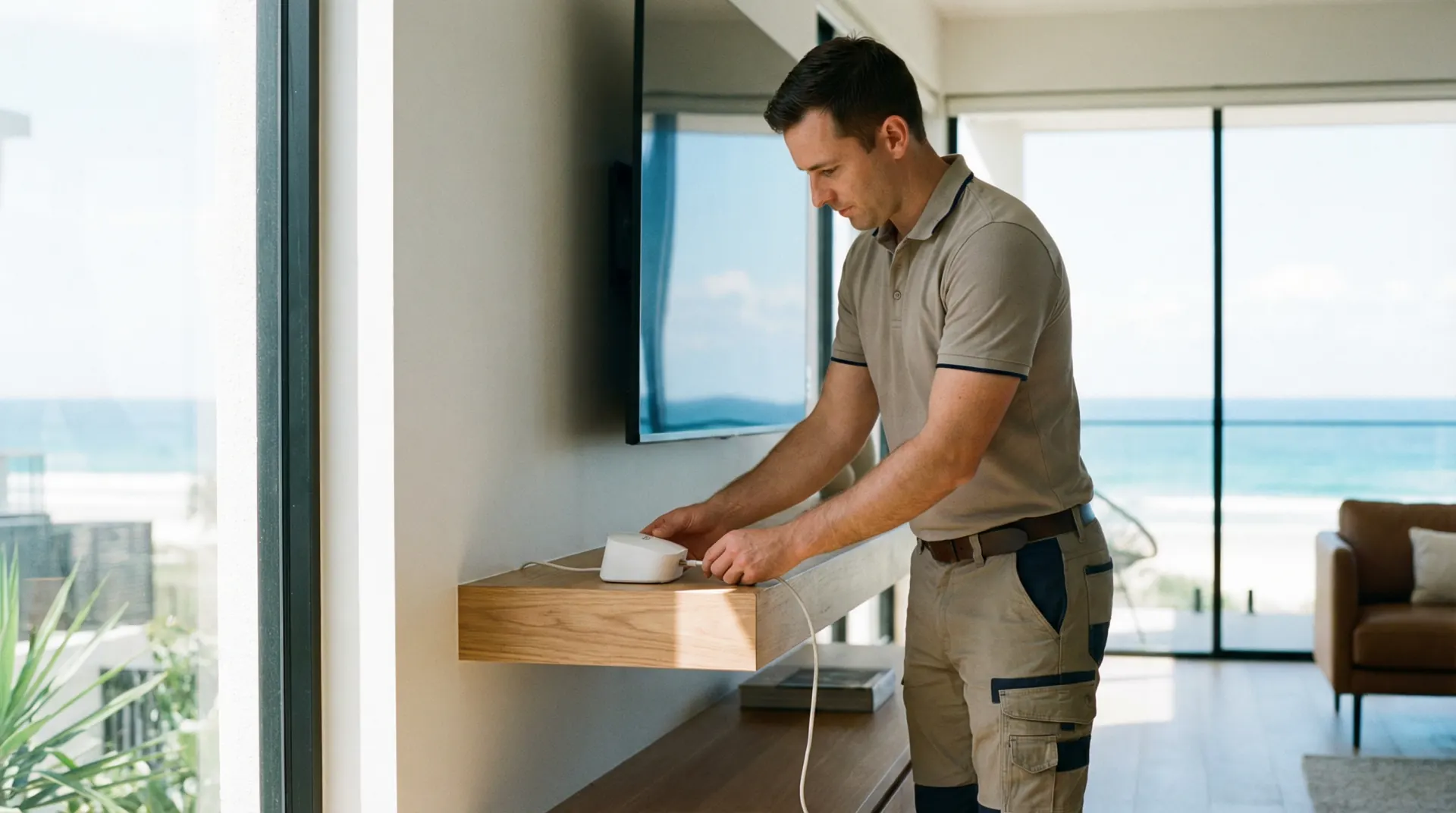
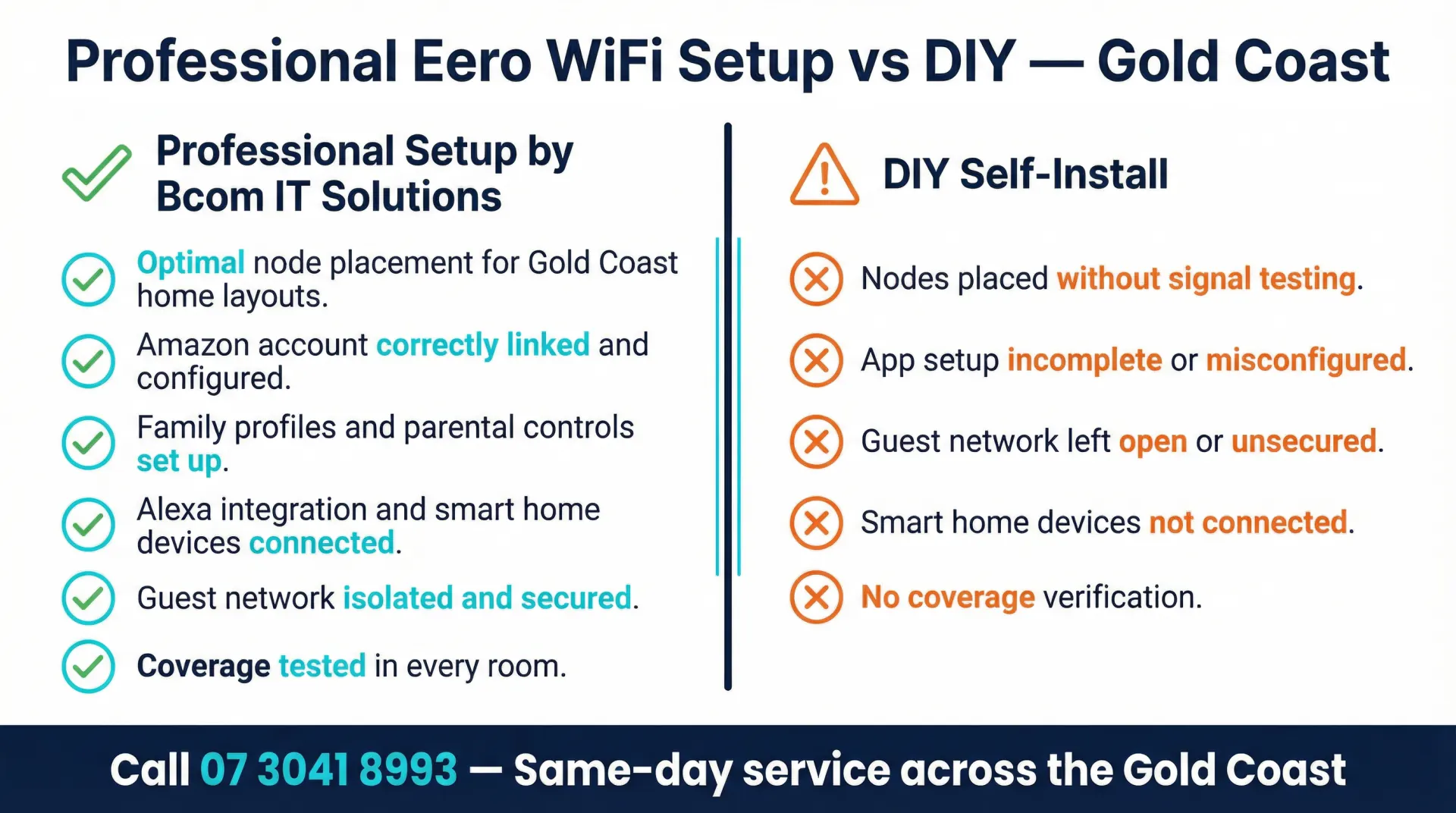
We configure Eero systems with nodes placed for maximum coverage, band steering optimised and the Eero app set up on all household devices. We link your Amazon account correctly during the installation.
Alexa & Amazon Integration
We connect Echo devices, Fire TV sticks, Ring cameras and other Amazon smart home products to your Eero network and configure them through the Alexa app.
Eero Secure & Parental Controls
We set up Eero Secure content filtering, family profiles and device scheduling so parents can manage internet access for each child without needing to access a router interface.
Guest Network & Security
We create an isolated guest network, enable WPA3 encryption and configure automatic firmware updates so your main network and smart home devices stay protected.
Device Priority & App Handover
We configure device priority in the Eero app so your work laptop or streaming TV gets bandwidth first. We walk you through the app and Eero Secure settings before we leave.
Troubleshooting & Upgrades
Eero systems are managed entirely through the Eero app and an Amazon account, which means account permission errors, Amazon household conflicts and app-side firmware failures are the most common causes of a degraded mesh. If your existing Eero system has dropped nodes, refuses to update or shows devices offline in the app, we diagnose the underlying cause. We can add nodes to an existing mesh, migrate a system to a new Amazon account and reconfigure band steering without requiring a full factory reset.
How an Eero WiFi Installation Works
Phone Consultation
We begin with a short conversation about your home — the number of storeys, whether you have a detached garage or granny flat needing coverage, and how many devices run simultaneously. Eero Max 7 supports wired backhaul via its two 10 Gbps ports, which makes a significant difference in homes with ethernet cabling already in place, and we factor that into the recommendation before you commit to a model. We provide a fixed quote on the call.
Hardware Procurement
We source your Eero hardware and schedule the installation. Common Eero 6+ packs are carried on our vans for fast-turnaround installs across the Gold Coast.
Installation & Configuration
We place nodes, configure the mesh, link your Amazon account, set up Eero Secure, guest networks and device priority. We test coverage in every room before we leave.
Handover & Support
We walk you through the Eero app and connect your smart home devices. Call 07 3041 8993 if anything comes up after we leave.
Eero WiFi Installation on the Gold Coast — What to Expect
Eero WiFi Gold Coast installations are well suited to households that are already embedded in the Amazon ecosystem. The Eero range — from the entry-level Eero 6 through to the Eero Max 7 — uses a mesh architecture that eliminates the dead zones common in Gold Coast homes. The wide, single-level floor plans typical of Robina, Varsity Lakes and Coomera benefit from two or three nodes placed strategically rather than a single router near the modem. Eero's band steering automatically moves devices between the 2.4 GHz and 5 GHz bands without requiring separate network names, which simplifies device management across a busy household.
The Amazon account linking process is one of the most common points of failure in a DIY Eero setup. Eero requires an Amazon account to activate and manage the system. If the account is not linked correctly during setup, features including Eero Secure, parental controls and remote management will not function as expected. We handle the account linking, app configuration and Eero Secure subscription activation during the installation visit so the system is fully operational before we leave. For households with an Amazon Prime subscription, Eero Secure is included at no additional cost.
Families in Helensvale, Hope Island and Oxenford with Echo speakers, Fire TV devices and Ring doorbells find that Eero integrates cleanly with the Alexa ecosystem. We connect smart home devices to the network and configure them through the Alexa app during the installation. Ring cameras and video doorbells in particular benefit from being on a well-configured mesh network rather than a single-router setup — the consistent coverage reduces buffering and missed motion alerts that are common when a camera is at the edge of a single router's range.
Short-term rental operators in Surfers Paradise and Broadbeach find the Eero guest network feature straightforward to manage remotely. A properly isolated guest network gives visitors internet access without exposing the main network, smart home devices or any shared storage on the network. The Eero app allows the guest network password to be reset between stays from anywhere, without requiring access to a router admin interface. We configure the guest network during installation and show operators how to manage it through the app.
We are not tied to any single brand. We recommend Eero when it genuinely suits the household, the budget and the existing device ecosystem. For homes that need ceiling-mounted access points with a centralised controller, we also install Ubiquiti UniFi. For a broader overview of the brands and mesh systems we work with, visit our WiFi installation Gold Coast page. The right hardware depends on your home and how you use it.
Eero WiFi Gold Coast — Frequently Asked Questions
Eero WiFi Installation Across the Gold Coast
We install Eero mesh systems across the Gold Coast, from compact single-node setups in Surfers Paradise and Broadbeach apartments to three-node Eero Max 7 deployments in large homes in Hope Island, Helensvale and Coomera. Short-term rental operators across the Gold Coast use Eero guest network features to isolate visitor devices, and we configure those setups with remote management in mind. Bcom Services Pty Ltd — ABN 92 636 893 108 — is a locally operated Gold Coast IT services company. Call 07 3041 8993 to book.
For a full list of our WiFi setup services on the Gold Coast including other brands and mesh networking options, visit our main WiFi page.
Book an Eero WiFi Installation on the Gold Coast
Eero mesh setup, Amazon account linking, Eero Secure and smart home integration — supplied, installed and fully configured for your home.
Last updated: March 2026