Synology WiFi Gold Coast — Quick Summary
- Synology mesh router supply and installation
- Mesh node placement optimised for your Gold Coast home layout
- Synology Router Manager (SRM) fully configured
- VPN Plus Server set up for secure remote access if required
- VLANs, guest network and parental controls configured correctly
- Firmware updated and WPA3 security enabled from day one
- DS router app handover included with every install
- ABN 92 636 893 108
Popular Synology Products for Gold Coast Homes
These are the Synology router models we most commonly supply and install for Gold Coast homes and home offices. The range covers mesh and standalone routers with SRM.
Wi-Fi 6 · Tri-band · Mesh
WRX560
PremiumTop-tier Synology router for large Gold Coast homes — Wi-Fi 6 tri-band with dedicated backhaul and full SRM feature set including VPN Plus.
Wi-Fi 5 · Tri-band · Mesh
MR2200ac
Mid-rangePopular Synology mesh router for Gold Coast family homes — tri-band Wi-Fi 5 with full SRM and VPN Plus support.
Wi-Fi 6 · Dual-band · Standalone
RT6600ax
PremiumPowerful standalone Synology router for homes needing advanced networking — Wi-Fi 6 with full SRM, VLAN and VPN Plus Server.
Wi-Fi 5 · Dual-band · Standalone
RT2600ac
Mid-rangeReliable Synology router for mid-size Gold Coast homes needing SRM and VPN Plus without the premium price.
Wi-Fi 5 · Dual-band · Budget
RT1900ac
BudgetEntry-level Synology router for apartments and smaller homes needing SRM features at a practical price point.
Prices vary by model and installation complexity. Call 07 3041 8993 for a quote.
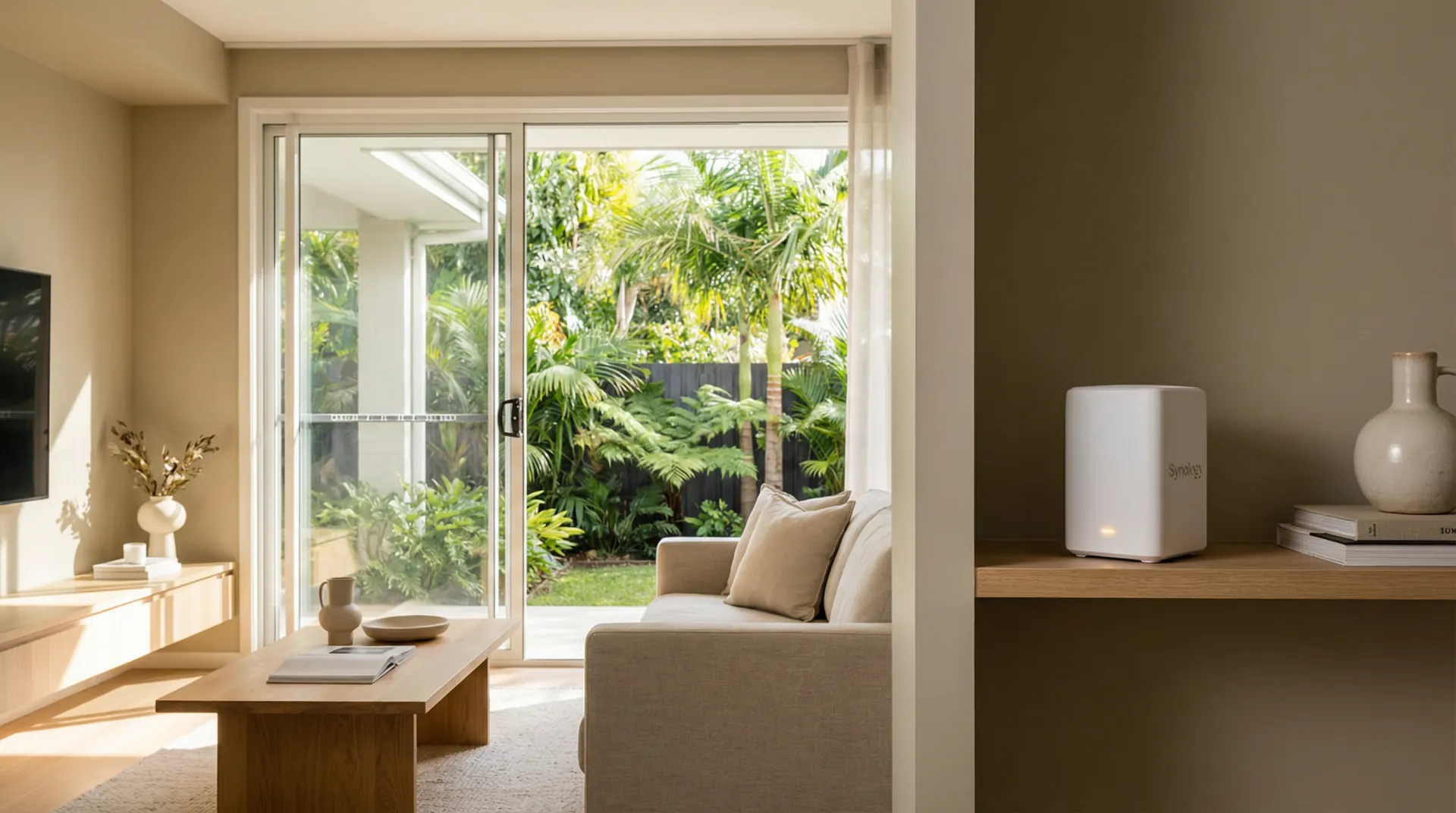
What We Do — Synology WiFi Gold Coast
From Synology mesh installs to SRM and VPN Plus configuration, here is what we cover for Gold Coast homes and home offices.
Synology Mesh Installation
We install and configure Synology mesh router systems with nodes optimally placed for complete coverage across your Gold Coast home.
SRM Configuration
We fully configure Synology Router Manager (SRM) — the operating system that makes Synology routers significantly more capable than consumer alternatives.
VPN Plus Server Setup
We configure Synology's VPN Plus Server for secure remote access to your home network — useful for home office workers needing to access local resources remotely.
VLAN & Guest Network
We configure VLANs to separate your private, guest and IoT device networks. WPA3 encryption and parental controls set up correctly from day one.
DS Router App Handover
We install the DS router app on your phone and walk you through monitoring your network, managing connected devices and running speed tests.
Troubleshooting & Upgrades
Already have a Synology router that needs reconfiguring, expanding or troubleshooting? We support existing setups and can add mesh nodes or upgrade hardware.
How a Synology WiFi Installation Works
Phone Consultation
Tell us about your home — size, layout, current router and the areas with poor signal. We advise on hardware and provide a quote on the call.
Hardware Procurement
We source your Synology hardware and schedule the installation. Common models are available for fast-turnaround installs across the Gold Coast.
Installation & Configuration
We place nodes, configure SRM, set up VLANs, SSIDs, guest networks, VPN Plus and security. We test coverage in every room before we leave.
Handover & Support
We walk you through the DS router app and SRM dashboard. Call 07 3041 8993 if anything comes up after we leave.
Synology WiFi Installation on the Gold Coast — What to Expect
Synology WiFi Gold Coast installations appeal to homeowners and home office workers who want more control over their network than a consumer mesh system provides. Synology routers run Synology Router Manager (SRM) — a full-featured network operating system that supports VLANs, VPN Plus Server, traffic monitoring, parental controls and package-based extensions. This makes Synology routers a popular choice for Gold Coast households with home offices, smart home devices or security cameras that benefit from proper network segmentation.
Synology routers are a strong choice for Gold Coast homes where network control and privacy matter as much as coverage. Tilt-slab construction in suburbs like Coomera, Pimpama and Upper Coomera creates the same signal attenuation challenges as any other brand faces, but Synology's mesh capability — using the MR2200ac or WRX560 as satellite nodes — addresses dead zones without sacrificing the advanced routing features that make Synology stand out. Homes in Helensvale, Nerang and Mudgeeraba with long single-level floor plans benefit from a two-node mesh setup, with the primary router near the NBN connection point and a satellite node placed at the midpoint of the home. The SRM operating system continues to run on both nodes, so features like VPN Server, Threat Prevention and Traffic Control remain available across the entire
VPN Plus Server is a standout feature for Gold Coast home office workers. With VPN Plus configured, you can securely access your home network from anywhere — whether you are working from a Gold Coast cafe, interstate or overseas. We configure VPN Plus as part of the installation if required, and test the connection before we leave. This is a significant advantage over consumer mesh systems that do not include built-in VPN server functionality.
Synology SRM setup is more involved than a standard consumer router installation. We configure your ISP connection, set up VLANs to separate your private, guest and IoT networks, enable WPA3 security, and configure the Safe Access parental controls if required. For users who need a VPN, we set up VPN Server with your preferred protocol — OpenVPN or WireGuard — and test the connection before we leave. Threat Prevention is enabled and updated so your network benefits from real-time intrusion detection from the first day. We update SRM and all packages to the latest version, disable UPnP if not needed, and document your network configuration so you have a reference for future changes. The goal is a Synology setup that takes full advantage of SRM's capabilities rather than running as a basic
bcom ICT is a locally operated Gold Coast IT services company. We are not affiliated with Synology and provide independent advice on whether a Synology router is the right solution for your home. In some cases — particularly for homes requiring commercial-grade access points or enterprise VLAN configurations — we may recommend Aruba Instant On or Ubiquiti instead. Our goal is the best outcome for your home, not a particular brand sale.
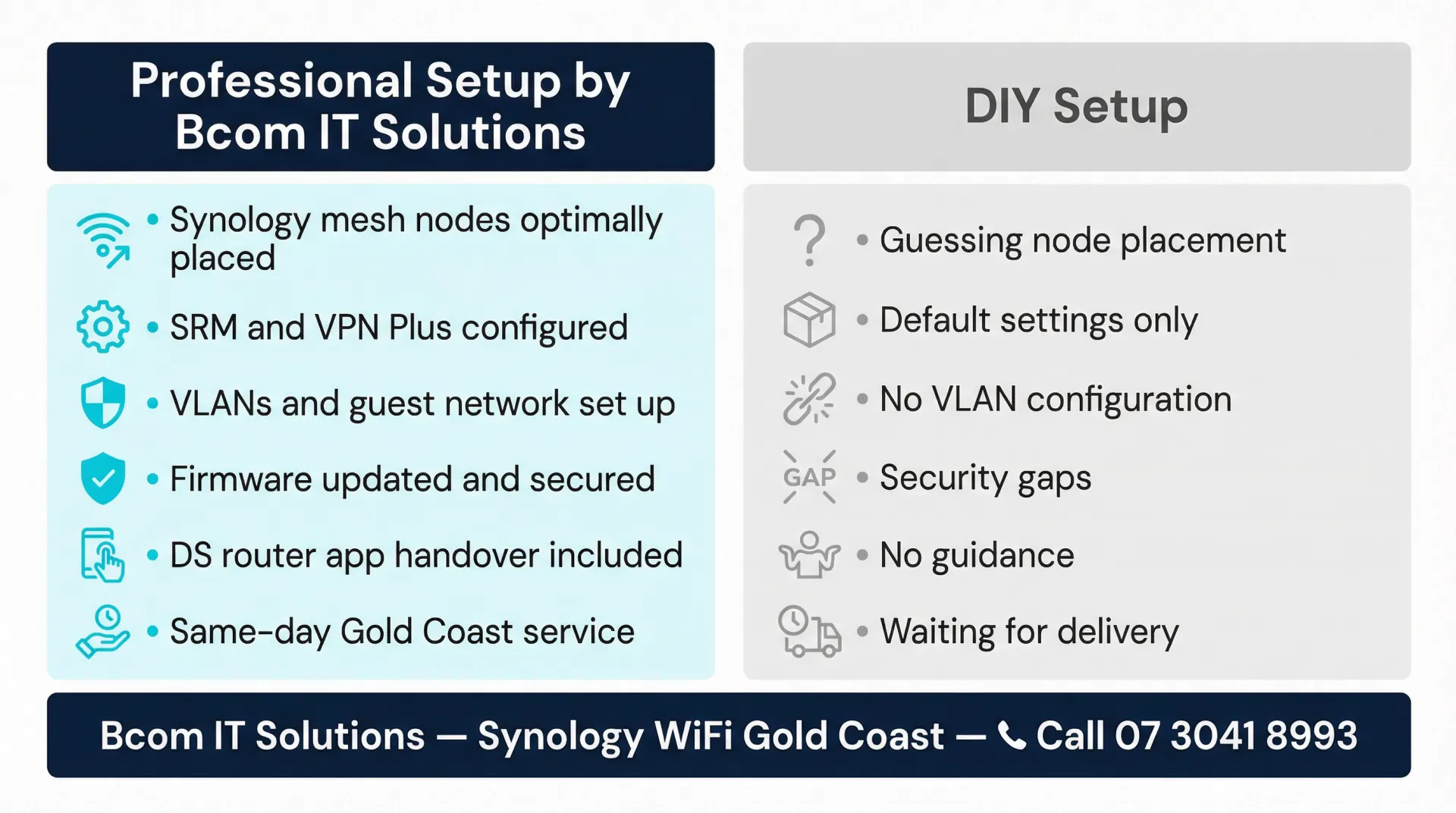
Synology WiFi Gold Coast — Frequently Asked Questions
Synology WiFi Installation Across the Gold Coast
We provide Synology WiFi setup and configuration services across all Gold Coast suburbs. Whether you are in a beachside apartment in Surfers Paradise or a large family home in Coomera, we can help. Bcom Services Pty Ltd — ABN 92 636 893 108 — is a locally operated Gold Coast IT services company. Call 07 3041 8993 to book.
For general WiFi setup and troubleshooting across all brands, see our WiFi installation Gold Coast page.
Book a Synology WiFi Installation on the Gold Coast
Synology mesh routers with SRM and VPN Plus — supplied, installed and fully configured for your home.
Related: business WiFi Gold Coast
Last updated: March 2026