
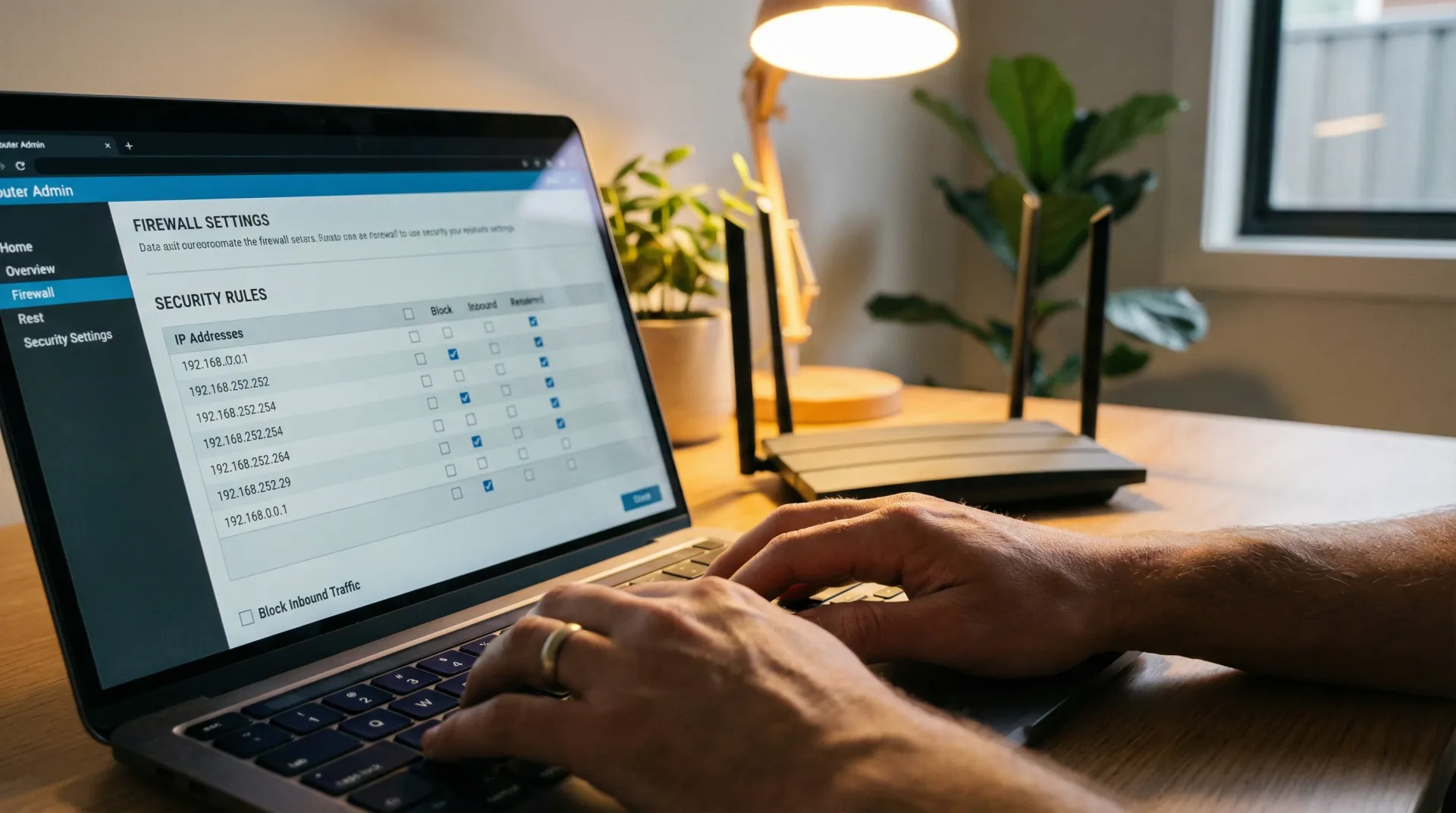
bcom ICT configures and supports DrayTek Vigor routers for Gold Coast businesses — NBN and FTTN connections, 4G and 5G failover, site-to-site and remote access VPN, multi-WAN, VLAN separation and firmware management. DrayTek is the gateway we deploy most often on straightforward sites, including on retail fit-outs. Call 07 3041 8993.
Why these and not something more expensive
DrayTek suits Australian small business for reasons that have little to do with the specification. They handle VDSL and FTTN natively rather than through an adapter. Mobile failover is built in rather than an add-on. And site-to-site VPN comes with the unit rather than with a subscription that renews annually.
For an office that needs a solid gateway, a second path when the street gets dug up, and a tunnel back to head office, that is the entire requirement met without an ongoing licence. On the two-store retail fit-out we delivered this year, the gateway is a DrayTek for exactly that reason — the connection type called for it, and matching a badge was never the point.
The units we work on
The common units
What most Gold Coast small offices run — NBN, a VPN back to head office, and a mobile backup service for when the street gets dug up.
Bigger sites
More throughput, more concurrent VPN tunnels, and multi-WAN where two services need to be live rather than one on standby.
The reason they suit Australia
VDSL and FTTN handled natively, 4G and 5G failover built in, and site-to-site VPN without a subscription attached to it.
The DrayTek faults we are actually called to
Six, and the first one costs businesses a day every time it happens.
“The provider swapped the modem and everything broke”
Usually a replacement unit delivered on factory settings. Every port forward, address reservation and VPN tunnel configured on the old one is gone, and nobody had a copy.
What we do Rebuild it, then export the configuration and keep it. A modem swap is a routine event that costs a business a day every time nobody has the config.
“The failover does not fail over”
Usually a backup service that was configured, tested once at install, and never touched again. SIMs expire, plans lapse, and nothing announces it.
What we do Test it by physically disconnecting the primary during a quiet period. A failover nobody has exercised is an assumption, and the day you find out is the worst day to find out.
“The VPN to head office drops every night”
Usually a tunnel being torn down by an idle timer, or one end getting a new address when the service reconnects.
What we do Set the timers for how the link is actually used, and use a hostname rather than an address where the service is dynamic. A tunnel that drops at the same time nightly is nearly always a timer.
“We have two routers and half our things do not work”
Usually double NAT — the DrayTek behind the provider's modem, both routing and both translating. Browsing works and anything needing an inbound connection does not.
What we do Put the provider's unit into pass-through and let one device route. Half the strange faults on small business networks come from two devices both believing they are in charge.
“Nobody wants to reboot it to update it”
Usually a unit installed years ago and never revisited. Routers are directly exposed to the internet and are a genuine target.
What we do Update it, and check whether the model still receives firmware at all. A router the manufacturer has stopped supporting is a security problem however well it is performing.
“Someone opened a port so they could work from home”
Usually a rule opened so someone could work from home, still open years later.
What we do Move it behind the VPN the DrayTek already provides at no extra cost. There is no licence to buy here, which removes the usual excuse.
Where a DrayTek stops being enough
It is a router with firewall capability, not an inspection appliance. That distinction matters if you need intrusion prevention, detailed logging, or evidence you can hand to an insurer or a client answering a security questionnaire.
At that point FortiGate or Sophos is the right spend and the subscription is part of the price rather than an upsell. Below that point, a well-configured DrayTek does the job for a fraction of the cost, and we would rather tell you that than sell you the bigger unit.
Whichever gateway you run, keep an exported copy of the configuration somewhere the business controls. Provider hardware gets swapped routinely, and a business with no copy of its own config loses a day every time it happens.
What a failover check actually turns up
A representative engagement, drawn from real work with client and staff names removed.
The failover that had never actually failed over
The situation
A business with a single site and no tolerance for downtime had a DrayTek with 4G backup, installed two years earlier specifically so an internet outage would not stop trading. It had been tested at installation and had never been needed since.
What we found
The mobile service behind it had lapsed. The SIM had been on a plan that expired after twelve months, the account had not been renewed, and the router had gone on reporting the interface as configured because from its point of view it was. There was no alert, because nothing had failed — the backup path simply would not have carried a single call had the primary dropped.
What we did
Restored the mobile service, then tested the failover properly by physically disconnecting the primary connection during a quiet period and confirming that calls, card payments and the practice software all continued. Set a calendar reminder for the SIM plan and added the failover test to the same schedule.
The outcome
The business has a second path that has now been proven rather than assumed. A failover nobody has exercised is not redundancy, it is a belief — and the day you discover which one you had is always the worst possible day.
Questions Gold Coast businesses ask us
Does bcom ICT support DrayTek routers?
Yes, and we deploy them regularly. DrayTek Vigor units handle Australian NBN and FTTN natively, include site-to-site and remote access VPN with no subscription, and support 4G or 5G failover — which is why they end up in a lot of Gold Coast small offices. We configure, support and take over existing units.
Is a DrayTek a real firewall?
It is a router with firewall capability rather than a full inspection appliance. For a straightforward office it is genuinely enough — segmentation, VPN, sensible inbound control. If you need intrusion prevention, deep logging or evidence for an insurer, that is where a FortiGate or Sophos earns the extra cost, and we will say so.
Can a DrayTek do 4G or 5G failover?
Yes, and it is one of the main reasons to choose one. A second path that takes over automatically turns a street-works outage from a lost day into a slower afternoon. It needs testing after install and periodically afterwards, because an untested failover is just an assumption.
Which DrayTek model should we use?
It depends on the connection type, how many VPN tunnels you need concurrently and whether you want true multi-WAN rather than failover. For most single-office businesses on NBN the 2765 through 2927 band covers it. We will size it on the actual service rather than the headline figure.
Our provider gave us a modem — do we need a DrayTek as well?
Not always, and if the supplied unit is doing the job we will tell you to keep it. Where it matters: failover, site-to-site VPN, proper VLAN separation and holding a configuration you own rather than one that resets when the provider swaps the hardware. If none of those apply, save the money.
Can you recover a DrayTek nobody has the password for?
Usually. Where the credentials are genuinely lost the unit can be reset and rebuilt, which is a good argument for keeping an exported configuration somewhere the business controls.
Modem about to be swapped?
Send us the configuration first. Rebuilding one from scratch on a Monday morning is a day nobody planned for.