
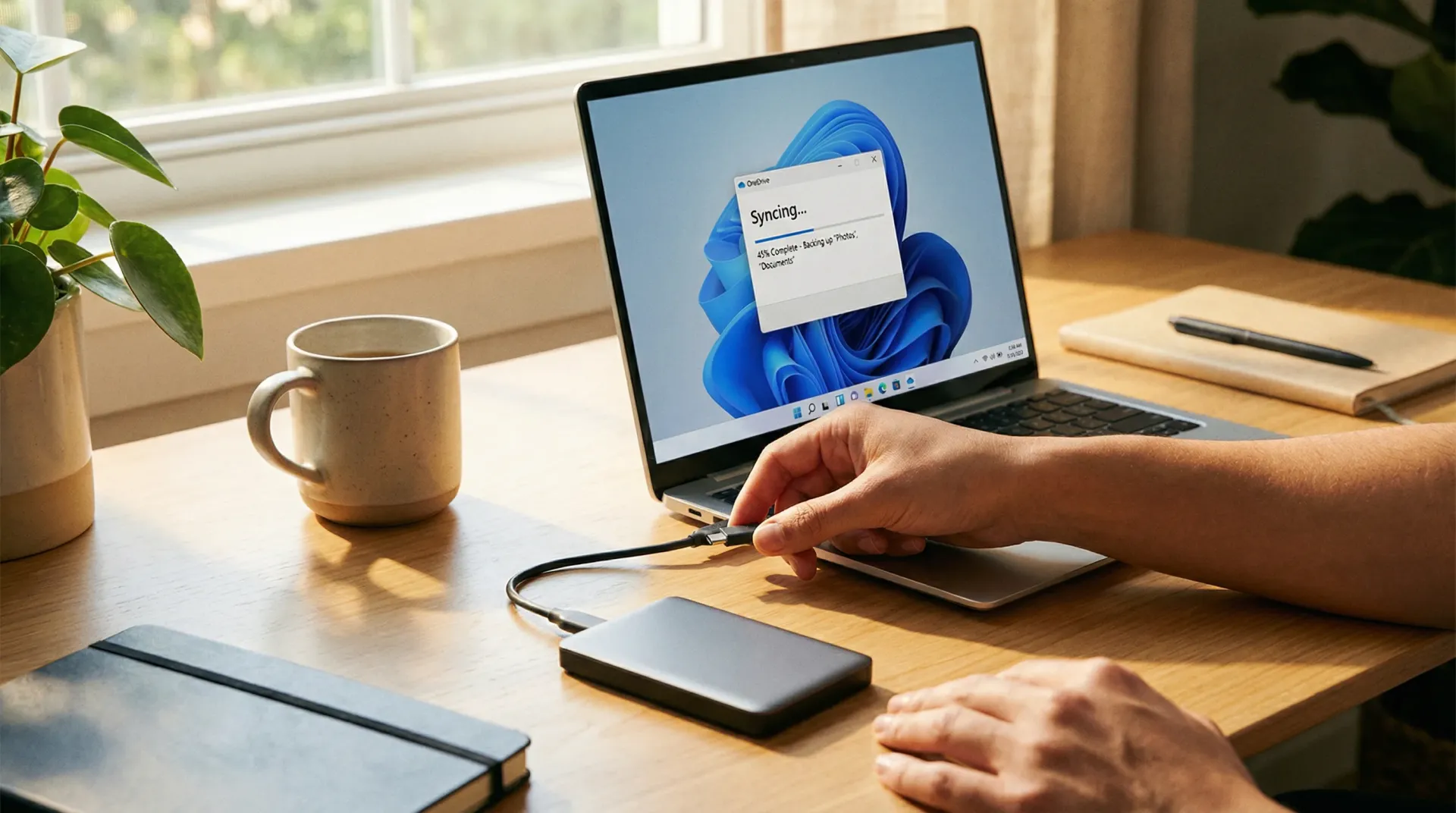
A NAS gives fast local restores when a machine or server fails, which is the common failure. Cloud backup gives an offsite copy that fire, theft and ransomware cannot reach, which is the rare failure that ends businesses. Most Australian small businesses need both, and the decision that matters is not which to buy but how long the business can afford to be without its data. Call 07 3041 8993.
They are not alternatives
This gets framed as a choice and it is not one. They cover different failures, and choosing one means accepting the failure the other would have covered.
A drive fails, a server dies, somebody deletes a folder. That happens often, and a local copy has you working again in an hour. A fire, a break-in or ransomware takes the building or the network with it. That happens rarely and it is the one that closes businesses, and only an offsite copy survives it.
The industry shorthand is three copies of your data, on two kinds of media, with one held offsite. It is old advice and it has survived because it keeps being right.
Where a NAS wins
- Restores are fast. Pulling a large data set back over a local network takes minutes where the same restore from the cloud takes hours or days. On a failed server this is the difference that matters.
- The cost is one-off. A box and some drives, rather than a monthly fee that scales with how much data you accumulate.
- Large volumes are practical. Design files, video, imaging and years of project archives cost almost nothing to hold locally and a great deal to hold in the cloud.
Where cloud wins
- It is offsite by definition. Fire, flood, theft and a break-in take the building and everything in it. Insurance replaces the hardware and not the data.
- Ransomware cannot reach it easily. Properly configured, cloud backup is not a network share with a drive letter, which is exactly what makes it survive an attack that encrypts everything else.
- Nobody has to remember. It runs whether or not anyone swaps a drive, checks a light, or is on leave.
- It scales without a decision. No capacity planning, no migration when the box fills up.
The question almost nobody asks
Not how much data you hold. How long can the business trade without it?
That single number decides everything else — whether you need a local copy at all, how much you should spend, and whether the cloud arrangement you have is fit for purpose. We have recovered a business whose backup was complete, offsite and entirely correct, and which would have taken four days to restore at the available download speed. Nobody had ever calculated it. They had measured the backup and never the recovery.
Work out the number first. The architecture follows from it, and without it you are buying storage rather than designing a recovery.
What people get wrong about backup
Five we find regularly. The fourth one applies to almost every business we take on.
“The NAS is our backup”
Usually a NAS mapped as a drive on the same network, with the same credentials. Ransomware that reaches a workstation reaches that share too, and encrypts the backup alongside the original.
What we do If the backup can be opened from a desk without a separate credential, it is storage rather than backup. Separate it, or add a copy that lives somewhere the network cannot see.
“We have cloud backup, so we are covered”
Usually a backup nobody has calculated the recovery time for. Cloud services are frequently upload-optimised and download-throttled, and a full restore can take days at the available speed.
What we do Calculate the restore, not the backup. The question is not how much data you hold, it is how long the business can be without it.
“We will just keep both and not think about it”
Usually the right architecture with the wrong follow-through. Two backups that nobody tests are two backups that might both be failing silently.
What we do Test a restore on a schedule. Not a report saying the backup completed — an actual file, recovered, by someone who was not the person who set it up.
“It is all in Microsoft 365, so it is backed up”
Usually a very common and expensive misunderstanding. Microsoft replicates your data for their availability; they do not keep a copy against you deleting it, a staff member destroying it, or ransomware syncing through.
What we do Back up the tenancy separately. Mail, files and Teams content all need it, and almost nobody has it until somebody explains this.
“Backups are running, so the light is green”
Usually monitoring the job rather than the outcome. Backups fail silently and partial backups look identical to complete ones from a dashboard.
What we do Verify what is actually in the backup set against what the business would need. Folders get excluded during unrelated changes and stay excluded for years.
Automatic cloud backup is $10 + GST per user per month. Servers and on-premises infrastructure are quoted on data volume and recovery target — see backup and disaster recovery.
Questions Gold Coast businesses ask us
Should we use a NAS or cloud backup?
Almost always both, for different jobs. A local copy on a NAS gives you fast restores when a server or a machine fails, which is the common case. A cloud copy gives you a version that fire, theft and ransomware cannot reach, which is the rare case that ends businesses. Using only one means accepting the failure mode the other covers, and for most Gold Coast businesses running both costs less than a day of downtime.
Is a NAS enough on its own?
Only if you accept that a fire, a theft or a ransomware attack takes your data with the building. A NAS sitting on the same network, mapped as a drive with the same credentials, is reachable by anything that reaches a workstation — we have recovered from an incident where the backup NAS was encrypted alongside the server it was protecting.
How long does a cloud restore take?
That is the right question and it is rarely asked before it matters. It depends on how much data you hold and the download speed available, and many services are optimised for upload rather than download. We calculate the recovery time as part of designing the arrangement, because a backup is not a recovery until somebody has worked out how long the recovery takes.
Does Microsoft 365 back itself up?
No, and this is the most common gap we find. Microsoft replicates data for their own availability, which is not the same as keeping a copy against deletion, a departing staff member, or ransomware syncing through OneDrive. Mail, files and Teams content need a separate backup.
What does cloud backup cost?
Automatic cloud backup is $10 + GST per user per month for mailboxes, files and the data staff work on day to day. Servers, databases and on-premises infrastructure are quoted separately, because the volume and how quickly you need it back are what drive that number.
How often should we test a restore?
At least annually, and after any significant change to the environment. Not a report confirming the backup ran — an actual file recovered by someone who did not configure it. A backup only becomes a backup the first time somebody gets something back out of it.
Not sure what you have?
The health check covers backups among everything else, and you keep the report either way. It will tell you whether what you have would actually get you back.