
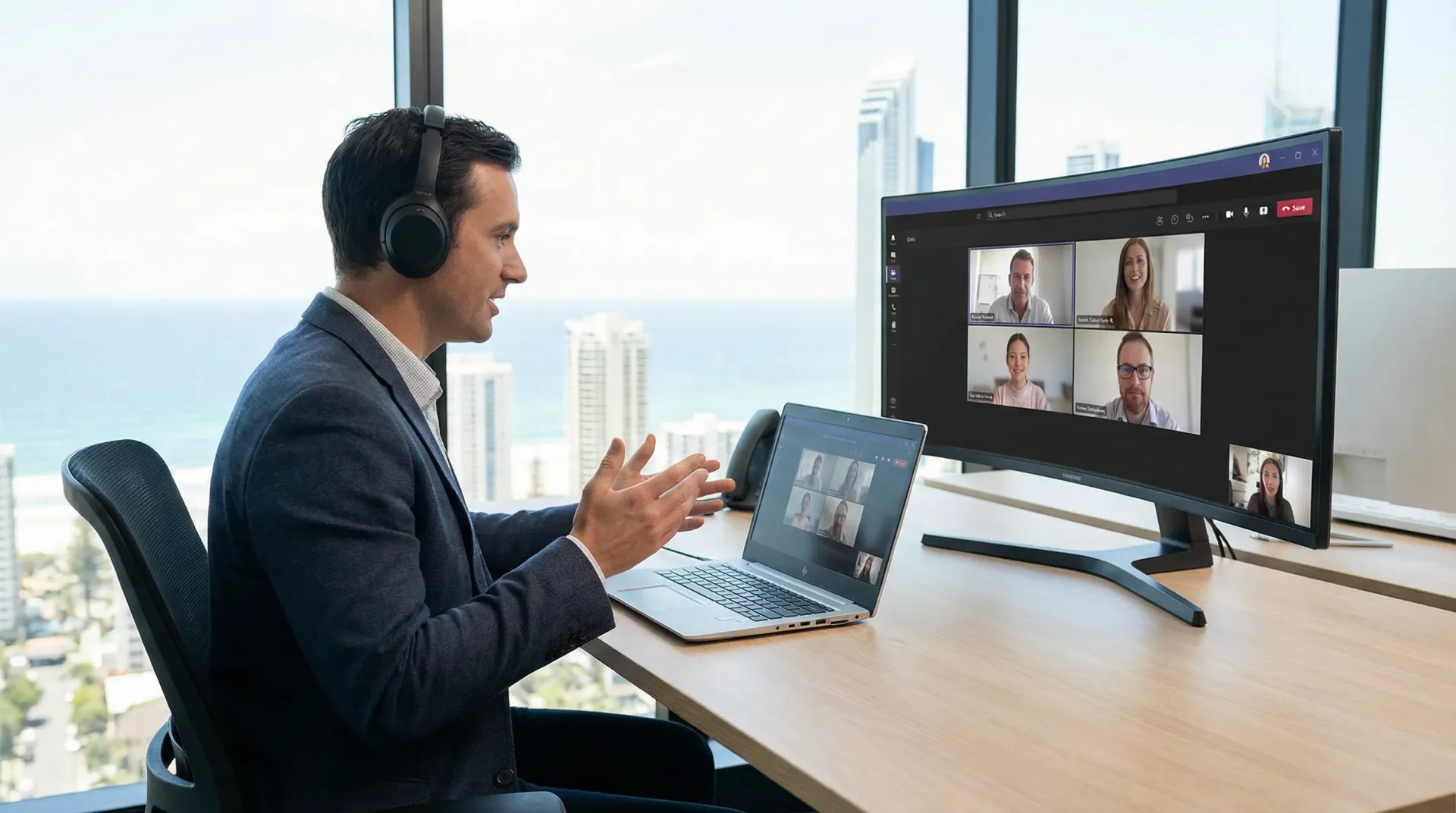
Microsoft Teams becomes a business phone system once calling is connected to it, using the Microsoft 365 licences you already hold. bcom ICT provides that through Direct Routing on its own cloud PBX platform, so the numbers, the call flow, the rates and the support all sit with one company. Local, mobile, 1300 and 1800 numbers port across. Call 07 3041 8993.
Three ways to connect it, and they are not equal
Turning Teams into a phone system is straightforward. Choosing how it reaches the public phone network is the decision that determines what it costs and what it can do.
Direct Routing
Your own carrier connects to Teams. This is what we provide through our own cloud PBX — the numbers, the call flow and the rates stay with us rather than with Microsoft.
Operator Connect
A carrier from Microsoft's list, joined to your tenancy through the admin centre. Simpler to turn on, less flexible, and you are choosing from whoever is on the list.
Microsoft Calling Plans
Minutes bought from Microsoft directly. Straightforward, generally the most expensive per user, and the least flexible on numbers and routing.
We provide Direct Routing because it is the route that keeps control of the numbering, the call flow and the rates — and because the platform behind it is ours. Click2Call is a trading name of Bcom Services Pty Ltd, the same ABN as bcom ICT, so there is no third party between you and the people who can change something.
Where Teams calling is genuinely better
- One application instead of two. Staff stop switching between a softphone and Teams, which is a smaller benefit on paper and a large one in practice.
- The licences are already paid for. Microsoft 365 is in the business already; calling is added to it rather than bought alongside it.
- Presence actually means something. Whether someone is in a meeting is known by the same system routing the call to them.
- It travels. The extension follows the person to a laptop, a mobile or a home desk without anybody configuring a device.
And where it is not
Reception. A person managing a busy queue, transferring constantly and watching who is free is doing a job Teams handles poorly, and no amount of configuration fixes it.
The right answer for most offices is mixed rather than pure: a proper handset and a real queue at reception, Teams for everyone else, both on the same platform and the same numbers. That is not a compromise, it is the correct design — and a provider who tells you Teams replaces a reception phone entirely has not sat at one.
The Teams calling faults we are actually called to
“Reception cannot handle calls properly in Teams”
Usually the honest limitation. Teams is excellent for a person taking their own calls and weaker for somebody managing a busy queue, transferring constantly and watching who is free.
What we do Give reception a proper handset and a queue on the phone platform, and let everyone else use Teams. A mixed deployment is not a compromise, it is the correct design for most offices.
“Calls drop when the laptop sleeps”
Usually a device power setting rather than a phone system fault. Teams cannot ring a machine that has gone to sleep on the network.
What we do Adjust the power policy on machines that take calls, and make sure the mobile app is also registered so there is somewhere else for the call to land.
“Audio is fine internally and poor on outside calls”
Usually the path out to the carrier, not Teams. Internal calls never leave the building and are unaffected by whatever is happening on the connection.
What we do That split is diagnostic on its own. Prioritise voice traffic on the router and measure the connection for consistency rather than speed — a link that passes a speed test can still be unusable for a call.
“We are paying for Teams Phone licences nobody uses”
Usually licences assigned to everyone because it was simpler than deciding. Plenty of staff never make an outbound business call.
What we do Assign them to the people who actually take calls. This is the same pattern as Copilot licences and it is worth a review every renewal.
“Our main number rings one person”
Usually Teams set up as individual extensions without a call flow in front of them, which happens when it is turned on by somebody thinking about licences rather than about how calls arrive.
What we do Build the call flow first — who rings, in what order, what happens after hours, where voicemail goes. The licence is the easy part.
“We want to keep our numbers”
Usually an assumption that Teams means new numbers. It does not.
What we do Local, mobile, 1300 and 1800 numbers all port. With Direct Routing they stay on our platform, so porting and call flow are handled in one place rather than across two vendors.
Before any of this, the connection has to carry voice. Not speed — consistency. We measure latency variation and packet loss across a working week before recommending a move, because a link that passes every speed test can still be unusable for a call.
What a Teams calling rollout looks like when it is right
A representative engagement, drawn from real work with client and staff names removed.
Teams everywhere, and a reception desk that could not cope
The situation
A professional firm moved its phones entirely into Teams. Everyone got a licence, the numbers ported cleanly, and for most of the office it worked exactly as promised. Reception was a different story within a fortnight.
What we found
The receptionist was handling around a hundred and twenty calls a day, transferring most of them, and needed to see at a glance who was available. Teams gave her a headset, a search box and several clicks per transfer. Nothing was broken — the software was doing what it does — but the job she was doing was one Teams is not designed around, and the queue was suffering for it.
What we did
Kept Teams for the rest of the firm and gave reception a proper desk handset with a real call queue and a busy lamp field, running on the same platform and the same numbers. Configured the queue so overflow rings a group in Teams rather than going to voicemail.
The outcome
Call handling times at reception dropped back to what they had been, and everyone else kept the single-application experience they wanted. The mixed design was not a compromise on the original plan — it was what the original plan should have been, and it is what we now propose for any office with a genuine reception function.
Questions Gold Coast businesses ask us
Can we make phone calls in Microsoft Teams?
Yes. Teams becomes a business phone system once calling is added, using the Microsoft 365 licences you already hold. There are three ways to connect it to the public phone network — Direct Routing, Operator Connect and Microsoft Calling Plans. bcom ICT provides Direct Routing through its own cloud PBX platform, which keeps the numbers, the call flow and the rates with us rather than with Microsoft.
What is Direct Routing and why does it matter?
Direct Routing connects your own carrier to Microsoft Teams instead of buying minutes from Microsoft. It is generally cheaper, far more flexible on call flow and number handling, and it means one provider covers both the phone platform and the support. bcom ICT and Click2Call are the same company, so the Direct Routing behind your Teams calls is ours rather than a third party's.
Is Teams Phone right for a reception desk?
Usually not on its own, and this is the honest limitation. Teams works well for someone taking their own calls and less well for a person managing a busy queue with constant transfers. The right design for most offices is mixed — a proper handset and a queue for reception, Teams for everyone else. Both run on the same platform and the same numbers.
Do we need to buy new phone numbers?
No. Local, mobile, 1300 and 1800 numbers all port across. With Direct Routing through our platform, porting and call flow are handled in one place rather than split between a carrier and Microsoft.
Is Teams Phone cheaper than a separate phone system?
It depends on the route. Microsoft Calling Plans are generally the most expensive per user. Direct Routing through a carrier is usually cheaper and more flexible, particularly for a business that already has the Microsoft 365 licences. The saving is real but it is not the main argument — the main argument is staff using one application instead of two.
What if the internet drops?
Teams calls stop, in the same way any cloud phone system does. That is the honest trade. A business that cannot afford to lose its phones needs a second connection path with automatic failover, and we would rather set that up at the start than explain it afterwards.
Already paying for Microsoft 365?
Then adding calling is a smaller step than you think. We will check the connection first and tell you honestly whether it is ready.